Turn Text, Zillow, or Blog URLs into Viral Shorts in Seconds.
Automatically draft scripts, extract listing photos or blog articles, record voiceovers, and compile ready-to-post vertical videos for TikTok, Instagram Reels & YouTube Shorts.
Step 1: Choose Your Input Method
Generate content from any source.
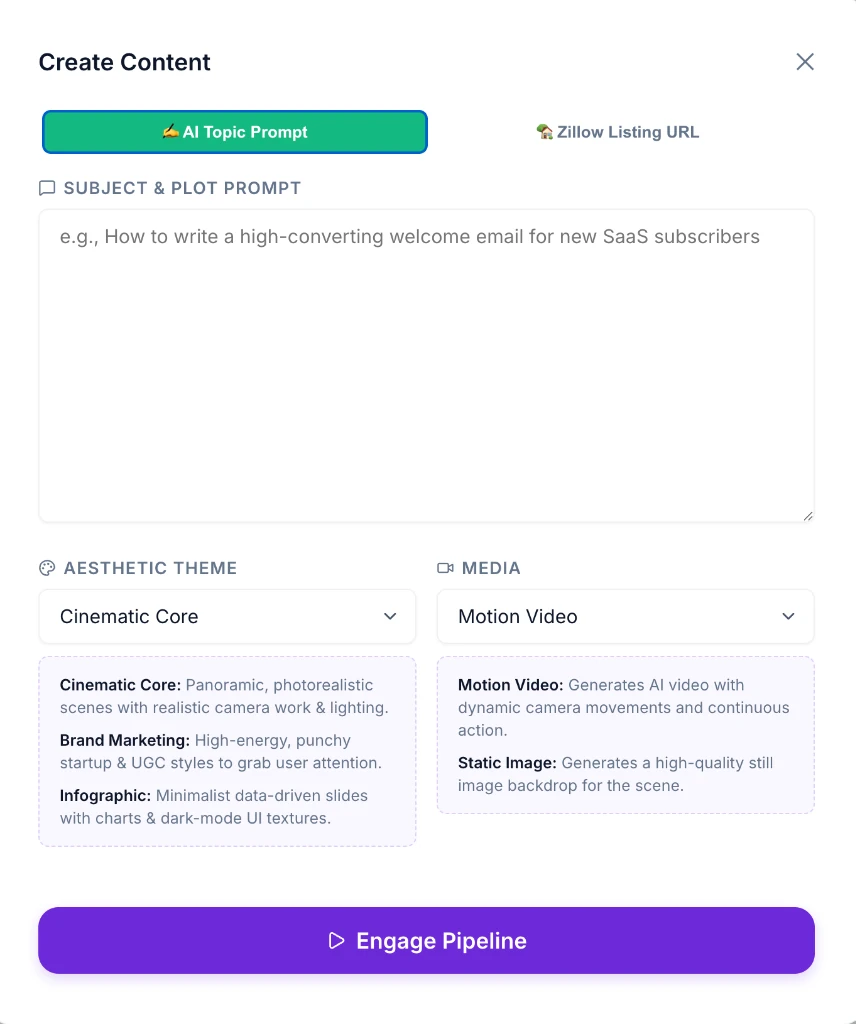
Enter Topic or Plot
Type any topic or story prompt. Select an aesthetic theme (Cinematic, Marketing, Infographic) and let AI generate a viral script and voiceover.
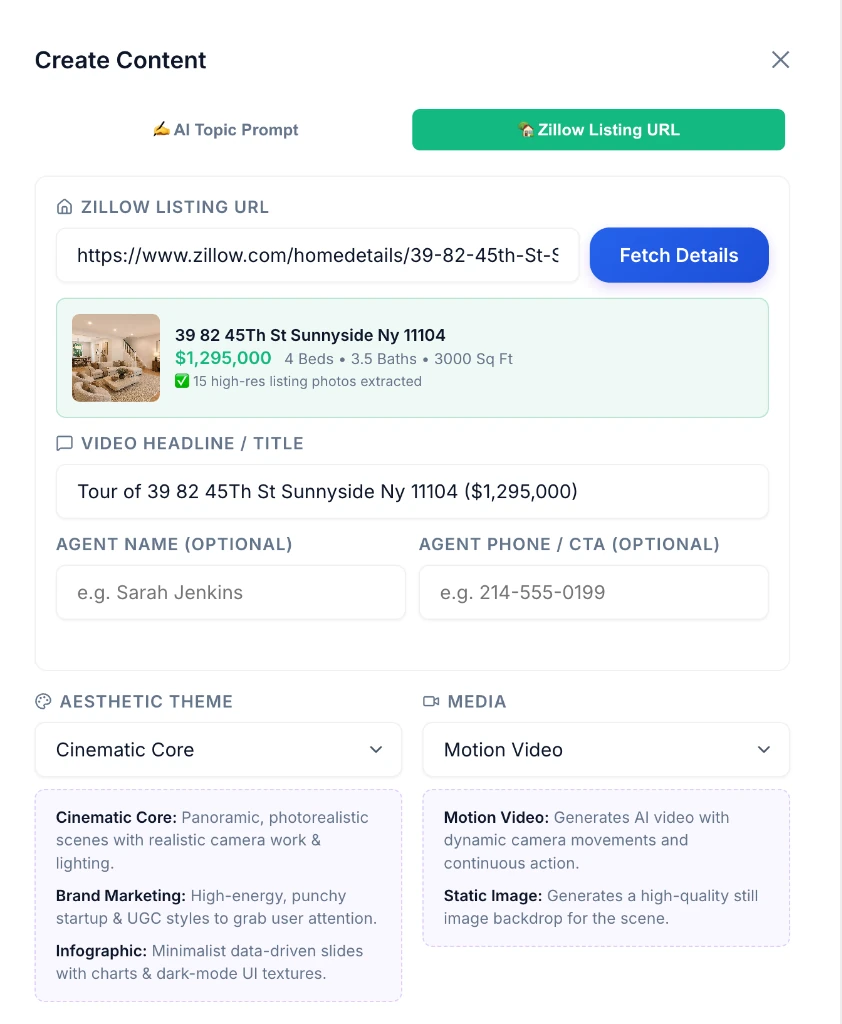
Instant Listing Pre-Fetch
Paste any Zillow property listing link. The engine pre-fetches 50+ high-res property photos, address/price metadata, and agent branding contact info.
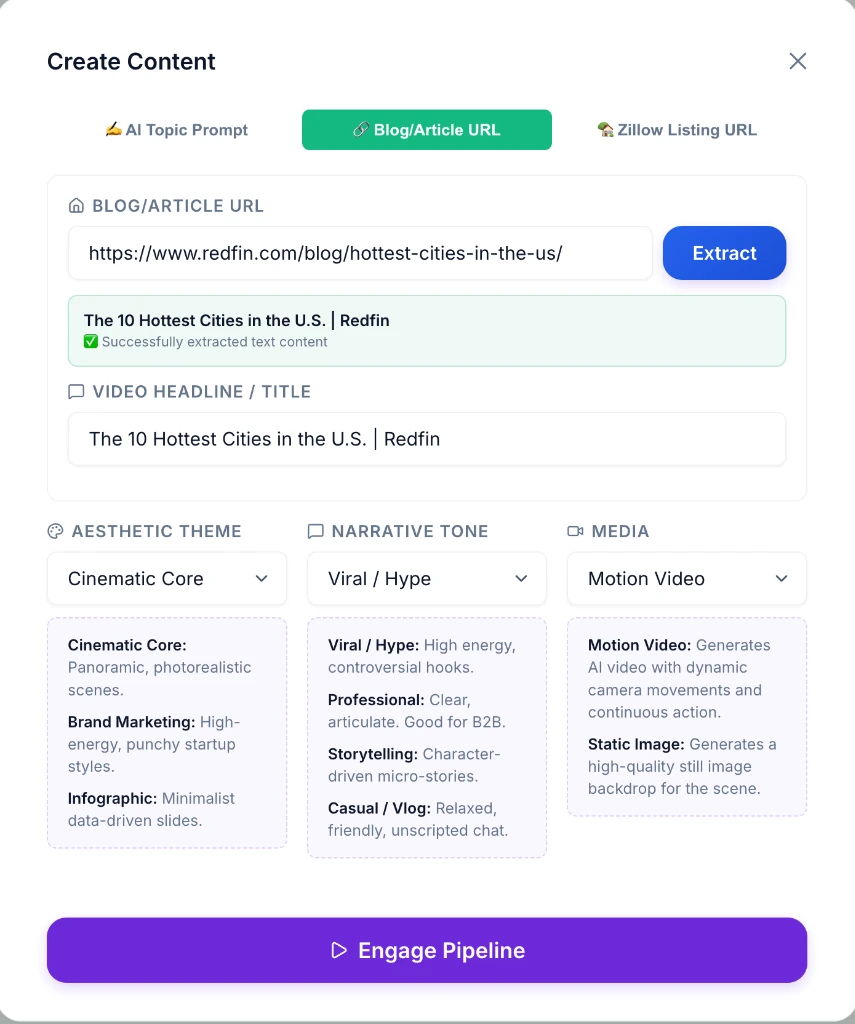
Turn Articles into Videos
Paste any blog post, newsletter, or news article link. The AI automatically reads the article, extracts the core value, and generates an engaging script.
Step 2: Review, Edit & Export
Perfect your video before publishing.
Photos, Captions & Preview
Select listing photo thumbnails in the ribbon, edit script text, customize animated caption styling presets, and preview live in 9:16 vertical format.
Captions, Music & Pacing
Style the spoken-word captions, turn background music on or off, and see exactly when each scene plays.

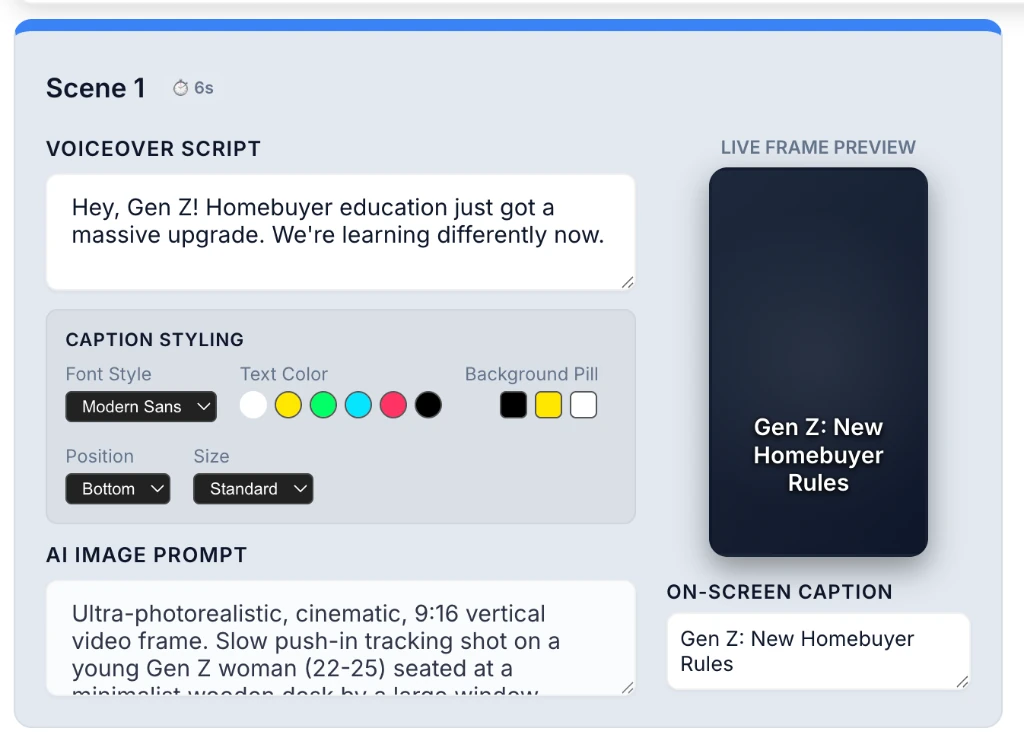
Scene Granularity
Fine-tune AI voice-overs, image prompts, and animated captions per scene.
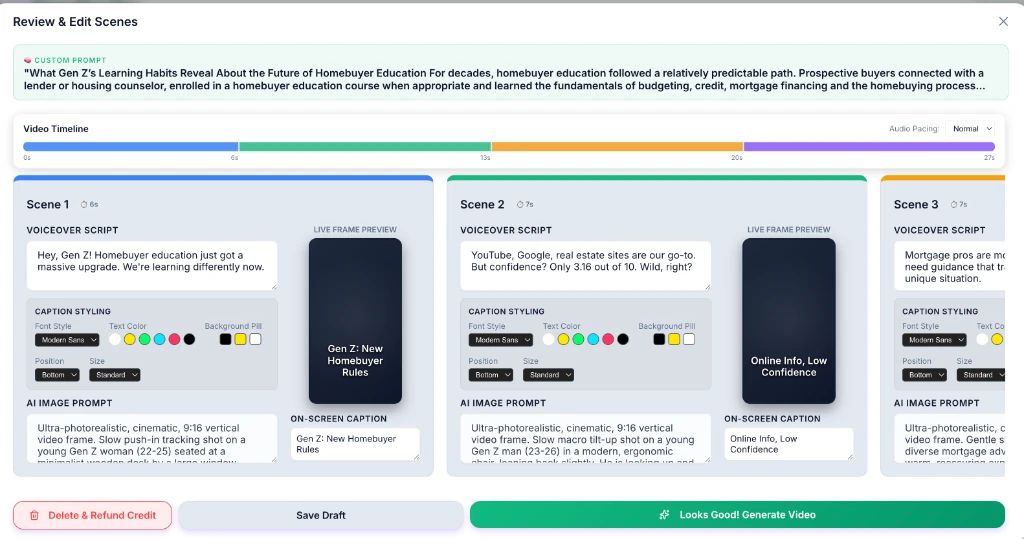
Comprehensive Review
Preview everything at a glance and make final adjustments before generating your final video.
Frequently Asked Questions
Is ShortsDFY really free?
Yes — 100% free, no credit card required, and no watermark on any video you generate.
Do ShortsDFY credits expire?
No. Credits never expire, and you can request more at any time.
What happens if my video fails to render?
You're never charged for a failed render — delete the failed job from your dashboard and the credit goes straight back to your balance.
Can I fix a scene if the AI-generated image doesn't match my script?
Yes — regenerate any scene's AI image with one click, no need to redo the whole video.
Can I make a video from a property listing?
Yes — paste a Zillow listing URL and ShortsDFY pulls the listing photos, price, and address to build the video. One listing per video.
Can I edit the voiceover, images, and captions after my draft is generated?
Yes — every scene is individually editable: rewrite the voiceover script, regenerate the AI image, and adjust captions before you render the final video.
Which platforms can I publish to?
ShortsDFY exports native 9:16 vertical video, ready for TikTok, YouTube Shorts, and Instagram Reels.